
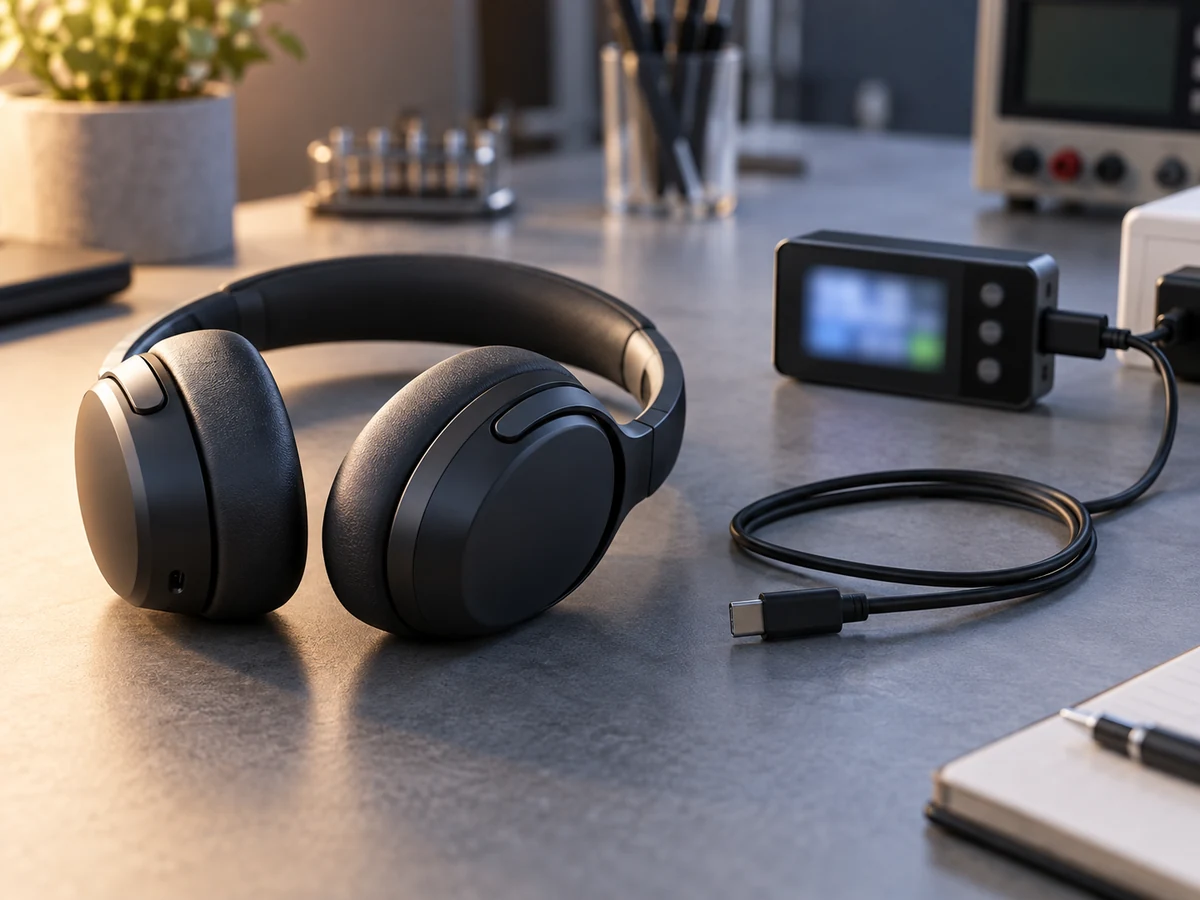
Separate playback, talk time, standby and case-assisted runtime to create clearer audio product specifications.
Name the measurement first
An audio product sheet can include music playback, talk time, standby time and charging time. These figures answer different questions. Before comparing models, label each number and check whether it refers to a single charge or a system that includes a charging case. This simple step prevents a large standby figure from being presented as continuous listening time.
Record the conditions
Volume, enabled features and the evaluation setup can affect the result. A useful comparison uses a stated test method and consistent conditions. If one sheet describes playback with ANC enabled and another does not say, ask for clarification. Keep the result attached to the exact model and hardware configuration rather than a whole product family.
Distinguish capacity from user experience
Battery capacity is one part of the specification. It does not by itself prove a particular runtime or charging speed. For a TWS product, the earpiece battery and case battery should be listed separately. For speakers and headsets, review the charging connector and the approved power requirements alongside the listening-time information.
Write a claim that customers can understand
Use a clear phrase such as playback time under the stated test conditions, then explain the conditions where appropriate. Avoid combining numbers from different documents to create a stronger claim. When discussing a project with Owin Electronic, flag runtime requirements early and request the model-specific data needed for your product page, packaging and sample evaluation.