
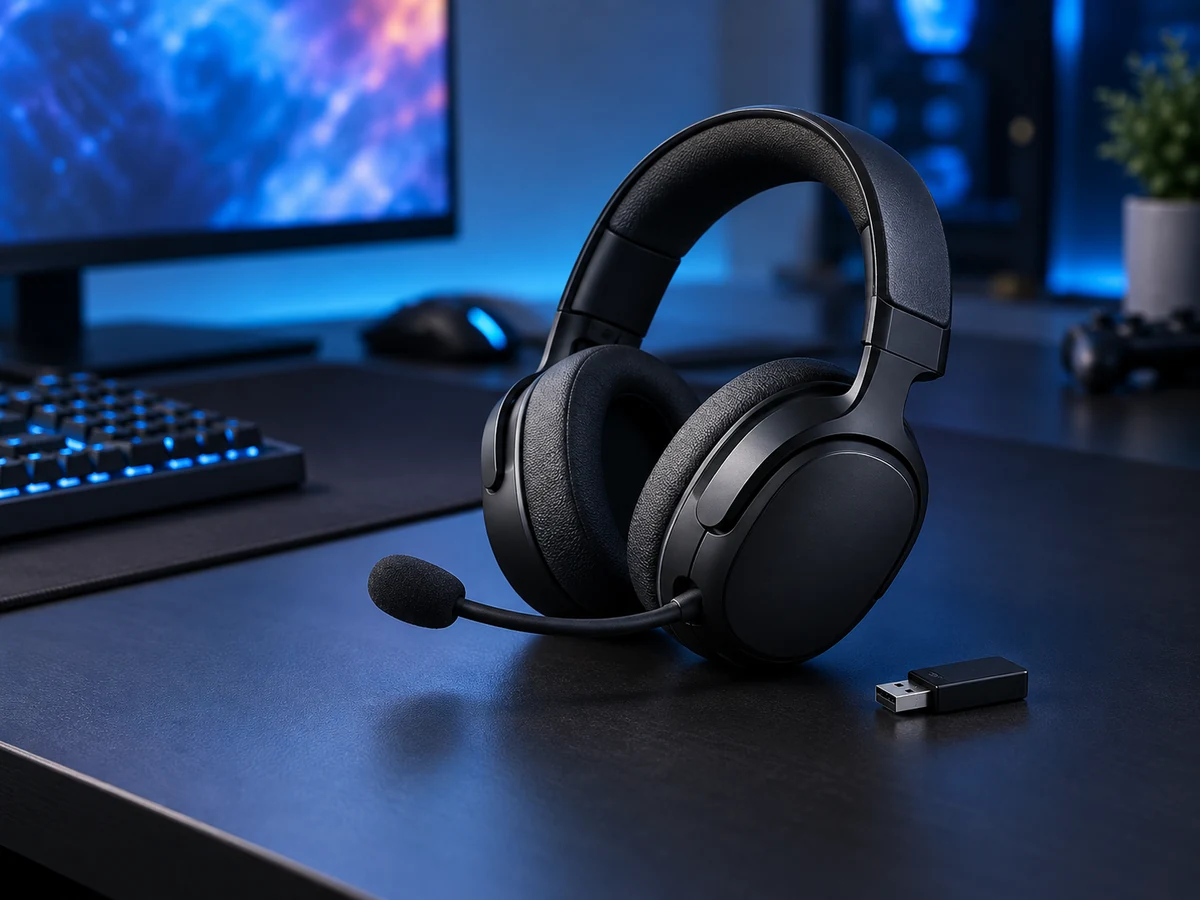
Define the receiver, Bluetooth mode, microphone use and target devices before choosing a wireless gaming headset.
Map the connections before the features
A gaming headset may offer a wireless receiver, Bluetooth or a wired connection, but those modes can serve different purposes. A useful product brief names the connection the customer will use for gaming and the devices on which it must work. This is more precise than a broad statement that a headset is compatible with everything.
Compare like-for-like configurations
G20, G22, G23, G60 and G80 are offered with Bluetooth and 2.4 GHz configurations, while G200 is a separate model to review for your shortlist. Review the exact receiver and accessories included in the quotation. A photograph that shows a dock or adapter does not necessarily define the contents of every order; confirm the complete configuration before producing packaging or a sales page.
Evaluate voice and controls in use
A headset sample should be tested for microphone placement, mute operation, volume adjustment and control accessibility. Use the intended communication setup and verify how audio behaves when switching connection modes. If a latency or surround-sound claim is important, agree the test method and supported environment rather than treating a generic promotional phrase as a verified result.
Make the commercial request complete
Send Owin Electronic the preferred model, target gaming platform, connection requirements, quantity and branding plan. Include any requested packaging or accessory changes. An agreed compatibility and contents checklist supports a clearer quotation, a more useful sample evaluation and product copy that accurately reflects the version your customers will receive.