
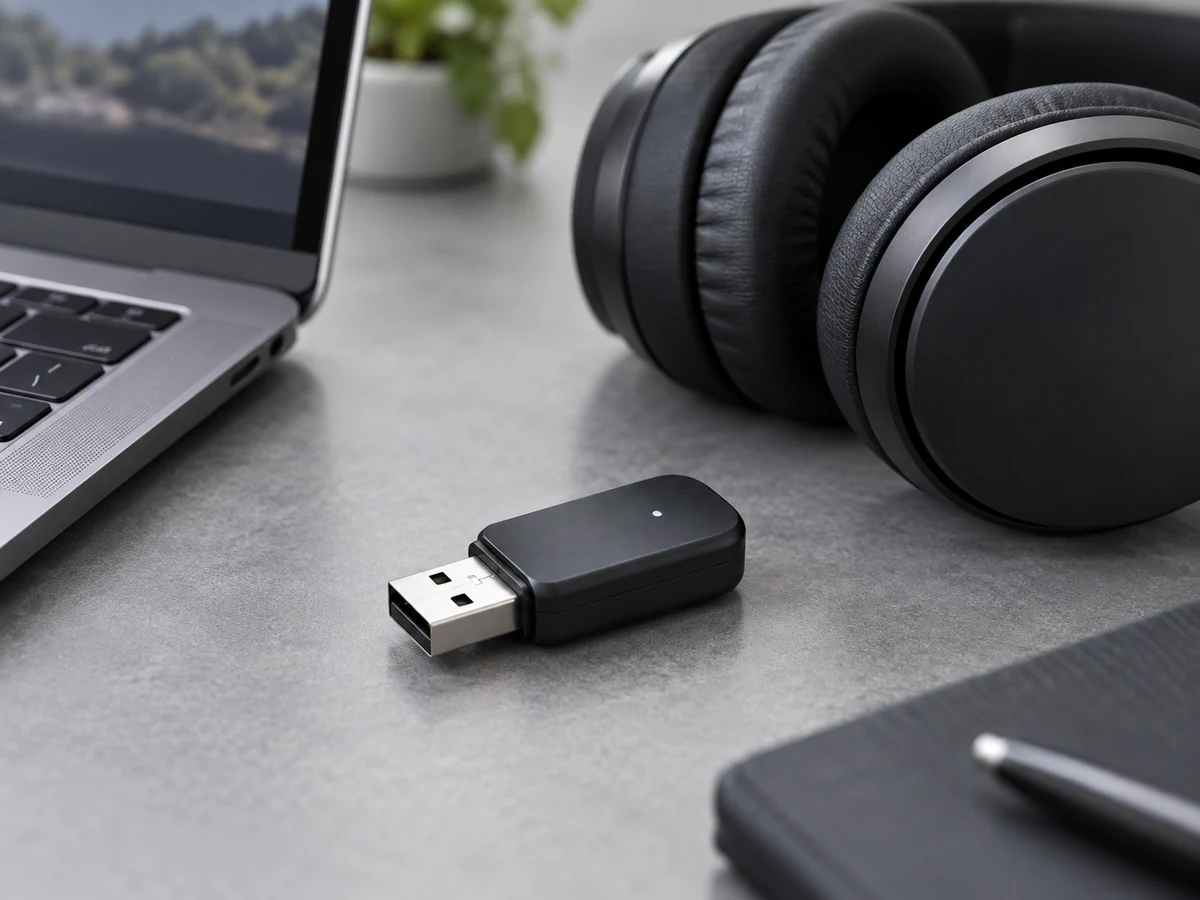
Identify the source device, receiver and connection requirements before choosing a Bluetooth audio transmitter.
Define what the adapter must connect
A compact USB device can serve different functions. An audio transmitter is not automatically the same as a general-purpose Bluetooth adapter for keyboards and other peripherals. Start by identifying the source device, the receiving headphone or speaker, and the audio task. This avoids selecting a product based only on the connector or the word Bluetooth.
Treat D03 as a model-specific discussion
D03 is a compact Bluetooth audio transmitter with a USB-C connection. Treat compatibility as a model-specific requirement: identify the intended computer or other source and the receiving audio device. Request the approved D03 configuration and test the proposed setup with the sample before finalizing a bundle or writing compatibility claims.
Check both ends of the connection
The source device, transmitter and receiver all affect the available functions. If a codec or a low-latency mode is important, ask which combinations support it and how the result is measured. Confirm the connector and any required setup steps. Keep the final customer-facing claim limited to the configuration that has been checked.
Make the inquiry easy to answer
Send the model, target source devices, receiving audio products, quantity and branding requirements to Owin Electronic. If the adapter is part of a headset bundle, describe the full bundle. A clear signal-path brief helps the team discuss compatibility, sampling and packaging without relying on generic claims that may belong to a different product category.