
Compare monaural and stereo formats, microphone positioning and device connections for a business headset project.
Begin with the working environment
The right office headset depends on how it will be used. A person handling calls throughout a shift may prioritize a simple control layout and a comfortable fit, while another user may want two-ear listening for meetings and other audio. Define the work pattern and desk equipment before choosing the physical style.
Compare the visible form factors
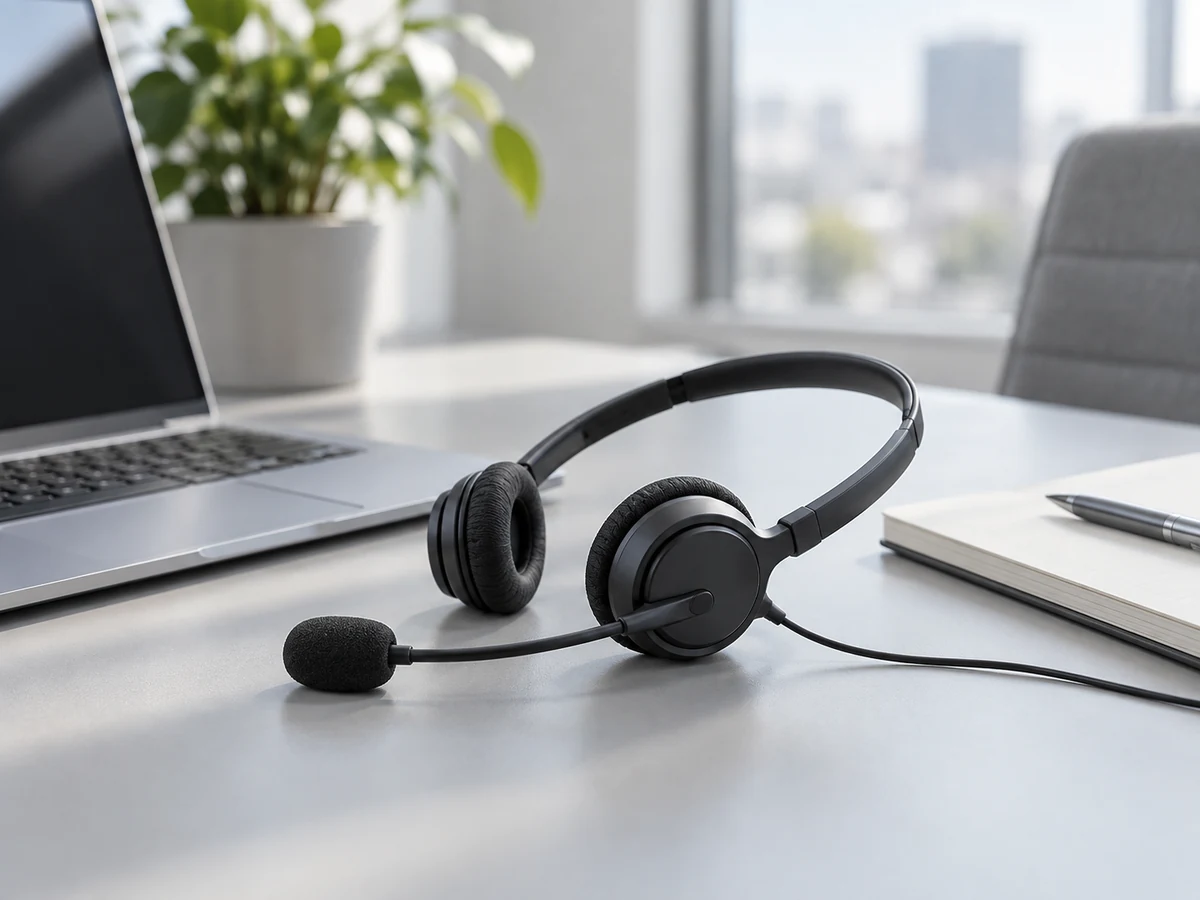
UM-3921B has a single-ear design with a boom microphone, while US-3622 has a two-ear headset. These formats provide a useful starting point for sample comparison. Review headband adjustment, microphone reach and how the headset is placed on the desk between calls. Comfort should be checked by the intended users over a realistic period.
Confirm connectors and controls
A series description should not substitute for the exact model specification. Confirm the connector, cable arrangement, inline controls and supported device setup for the model being quoted. Test the microphone and mute function in the intended calling application. Any compatibility or certification statement on your product page should be supported for the exact model and configuration.
Specify the order around the application
When contacting Owin Electronic, provide the intended office or call-center use, required connection, quantity and any branding or packaging requirements. If the headset is part of a larger equipment project, include the relevant device list. A concise compatibility brief gives the supplier a clear basis for selecting a sample and discussing the configuration that fits your deployment.